← Back to RavanaPay by card with Telegram Stars
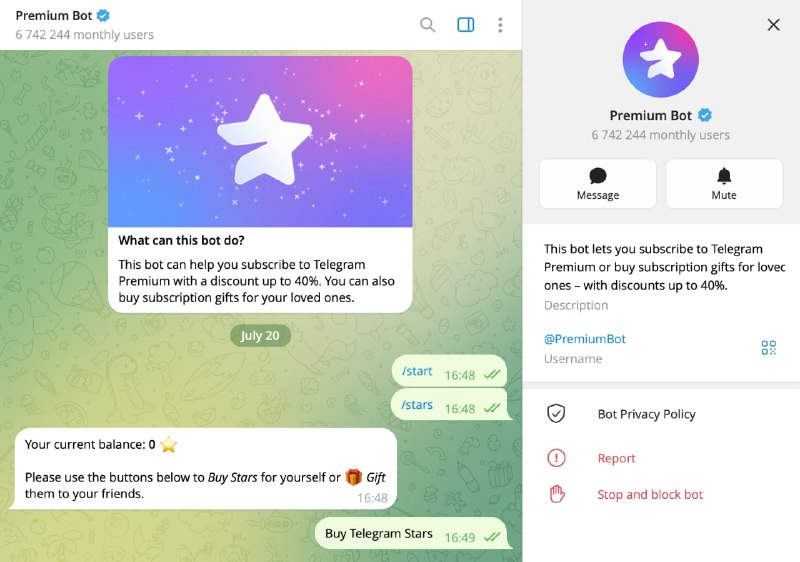
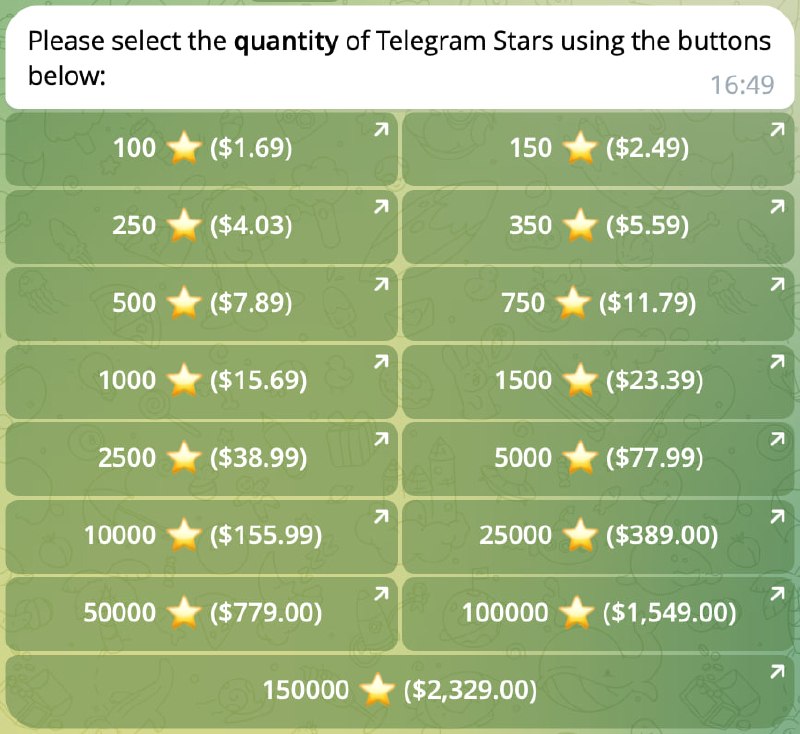
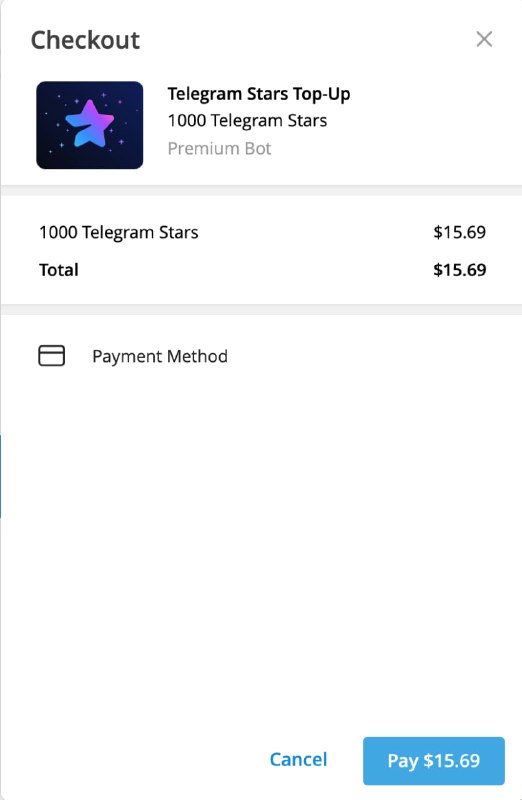
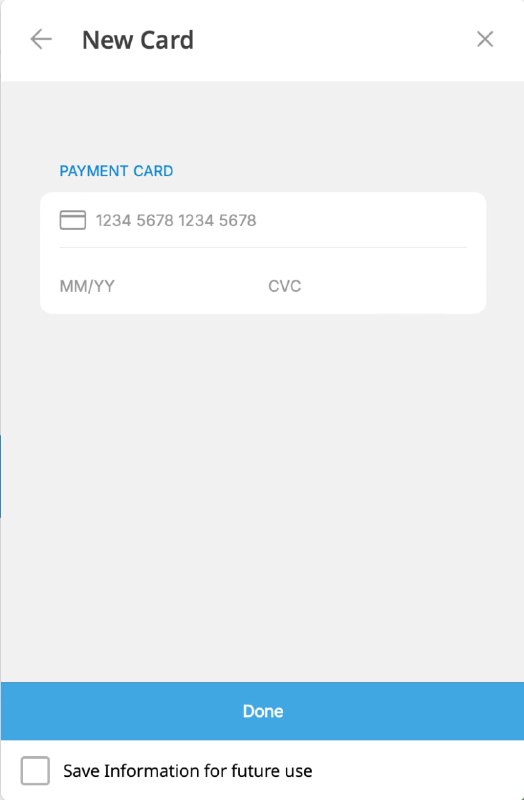
💳 Buy Stars by card, then use them in Ravana
Telegram’s official @PremiumBot provides a card-payment route on desktop and web and may offer a lower rate than an in-app purchase, depending on your platform and region.
01
02
Spend Stars in Ravana
Return to the bot and buy your credit pack
- Open Ravana and tap Payment.
- Choose a photo, video or combined credit pack.
- Confirm the purchase using the Stars already on your balance.
ImportantBuying Stars only adds them to your Telegram balance. It does not automatically buy Ravana credits. Return to Payment in Ravana and complete the second transaction.
Buy credits in Ravana ↗Still need help?
We’ll help you finish the purchase
Open the support chat and tell us which step is causing trouble.
Contact Ravana support ↗