01
Send a face
Upload a clear portrait of the face you want to use. The bot guides you from there.
AI face swap bot for Telegram
Make memes, viral edits and privacy-friendly content — right inside Telegram.
Simple by design
Everything happens in one familiar Telegram chat.
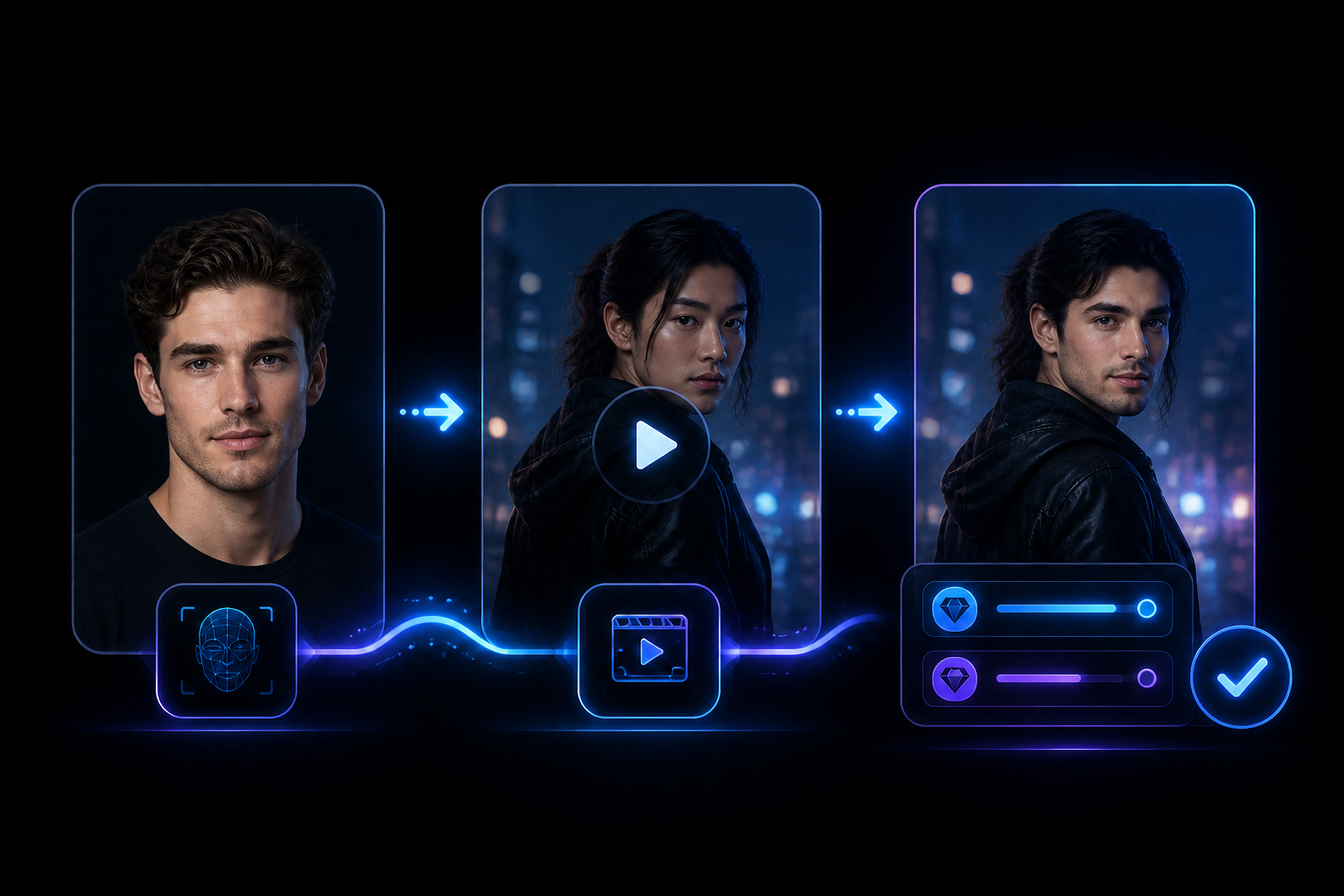
Upload a clear portrait of the face you want to use. The bot guides you from there.
Add the scene you want to transform — a photo, short clip or longer video.
Choose Standard or Enhanced quality, create your swap and receive the result in the same chat.

Star in a shareable video
Put your face into stock footage or AI-generated video you have the right to edit, then share your own version.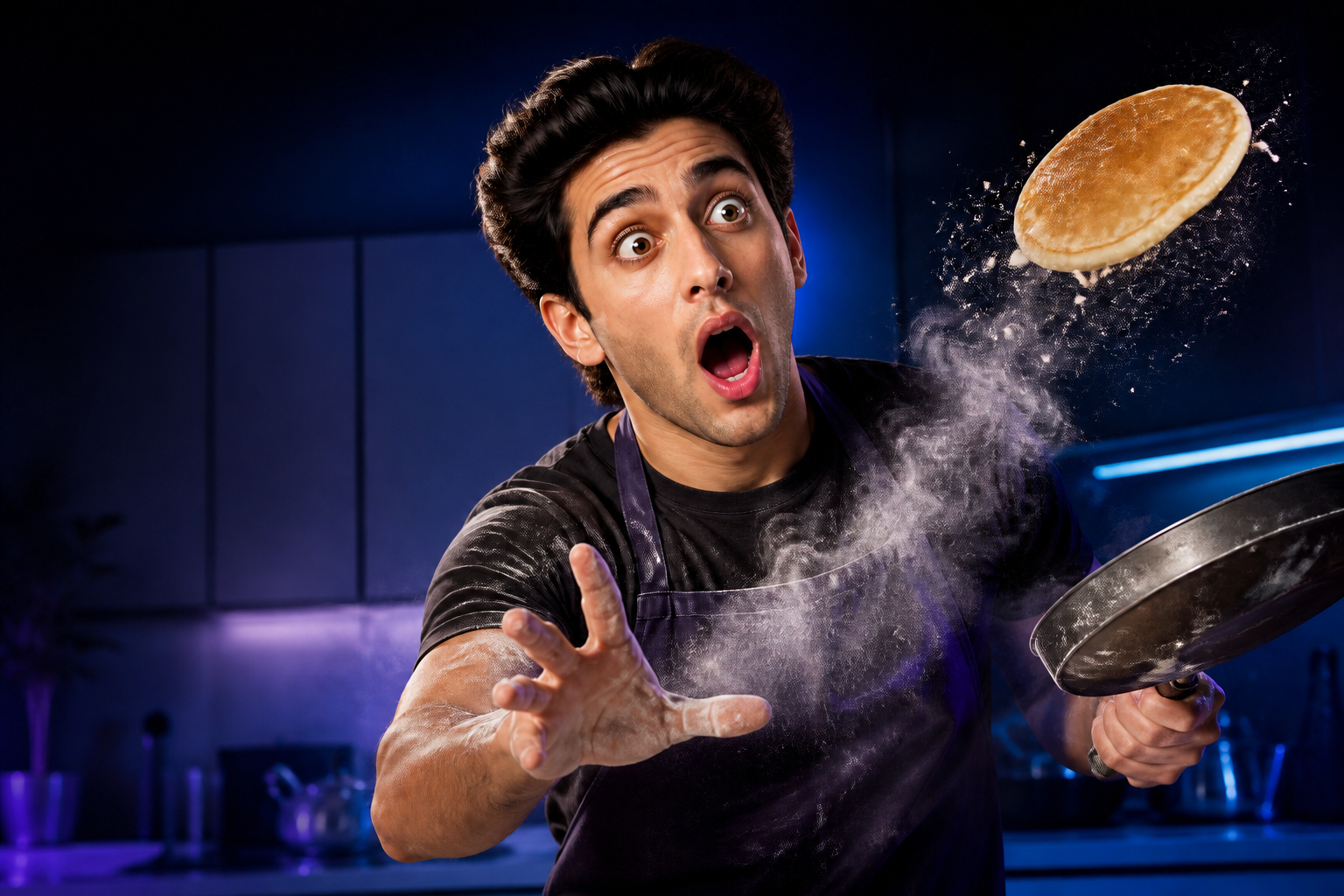
Make a meme with your face
Turn a reaction, joke or absurd scene into a personal meme with your face or a consenting friend’s.
Create without showing your real face
Replace the visible face with a synthetic persona when you want to share content more privately.
Multi-Face
Upload your target photo or video first. Ravana detects the faces, lets you choose which ones to replace, then asks for a source face for each selection.
Built around what matters
Use Standard for everyday speed or choose Enhanced when you want a more polished result.
Start with a guided chat flow, then step up to Multi-Face and quality controls whenever you need them.
Accessible photo and video credit packs let you buy what you need and keep creating without a subscription.
Ravana processes media on powerful servers, while paid swaps move through the priority queue when demand is high.
Try Ravana free
Start with 2 photo credits and 2 video credits. If Ravana fits your creative flow, buy more whenever you need them.
Pay by card with Telegram Stars
On desktop or web, Telegram’s official @PremiumBot lets you buy Stars using a bank card. Depending on your platform and region, its rate may be lower than an in-app purchase through Apple or Google.
You do not need Telegram Premium. Open @PremiumBot, send /start and then /stars. Choose the amount and complete the card payment. The final price and available methods are shown before purchase.
Buying Stars does not buy Ravana credits automatically. Return to Payment in Ravana, choose a pack and confirm it with your Star balance.
Create with confidence
Face swaps are more fun when everyone is on the same page.
Your content, your identity, your creative direction.
Choose footage and images you own or have permission to transform.
A quick “are you okay with this?” keeps the joke fun for everyone.
Ravana FAQ
Yes. New users start with 2 photo credits and 2 video credits. There is no subscription to cancel.
Open Ravana in Telegram, send a clear source-face photo, add the target photo or video, and choose a quality mode. Ravana processes the face swap on its servers and delivers the result back to the same chat.
Yes. Multi-Face detects the people in your target media, lets you select which faces to replace, and asks for a different source face for every selected person.
Ravana supports most common image and video formats. Telegram limits uploaded video files to 20 MB, but there is no separate fixed duration limit.
Standard mode is designed for everyday speed. Enhanced mode is intended for a more polished result and uses twice the normal number of photo or video credits.
Video uses at least 1 credit, then 1 credit per started minute: up to 60 seconds uses 1 credit, while 61–120 seconds uses 2 credits. Enhanced mode uses twice the credits.
Photos usually process in a fraction of a second once processing begins. Video processing is normally close to the clip length, while total delivery time can vary with the queue. Paid users receive priority processing.
Your source face, target photo or video is used to create the face swap you request and is deleted from Ravana’s processing servers after the result is delivered. Ravana does not use your uploads to train AI models. Read the full Terms & Privacy.
The bot includes a Manual and a short face-swap walkthrough. For direct help with processing or payments, contact the Ravana support chat. Open Ravana support in Telegram.
Ready when you are
Open Ravana in Telegram and use your four free starter credits.
Try Ravana free